Great presentations
begin with clear thinking.

A person composing a presentation in Typedeck on a MacBook
Clear thinking happens in Typedeck.

Typedeck is a clean and calm space where you’ll make presentations you’re proud to give.

Download on the Mac App Store

Free for 7 days, then $29.99. One-time purchase.
Why Typedeck is better.

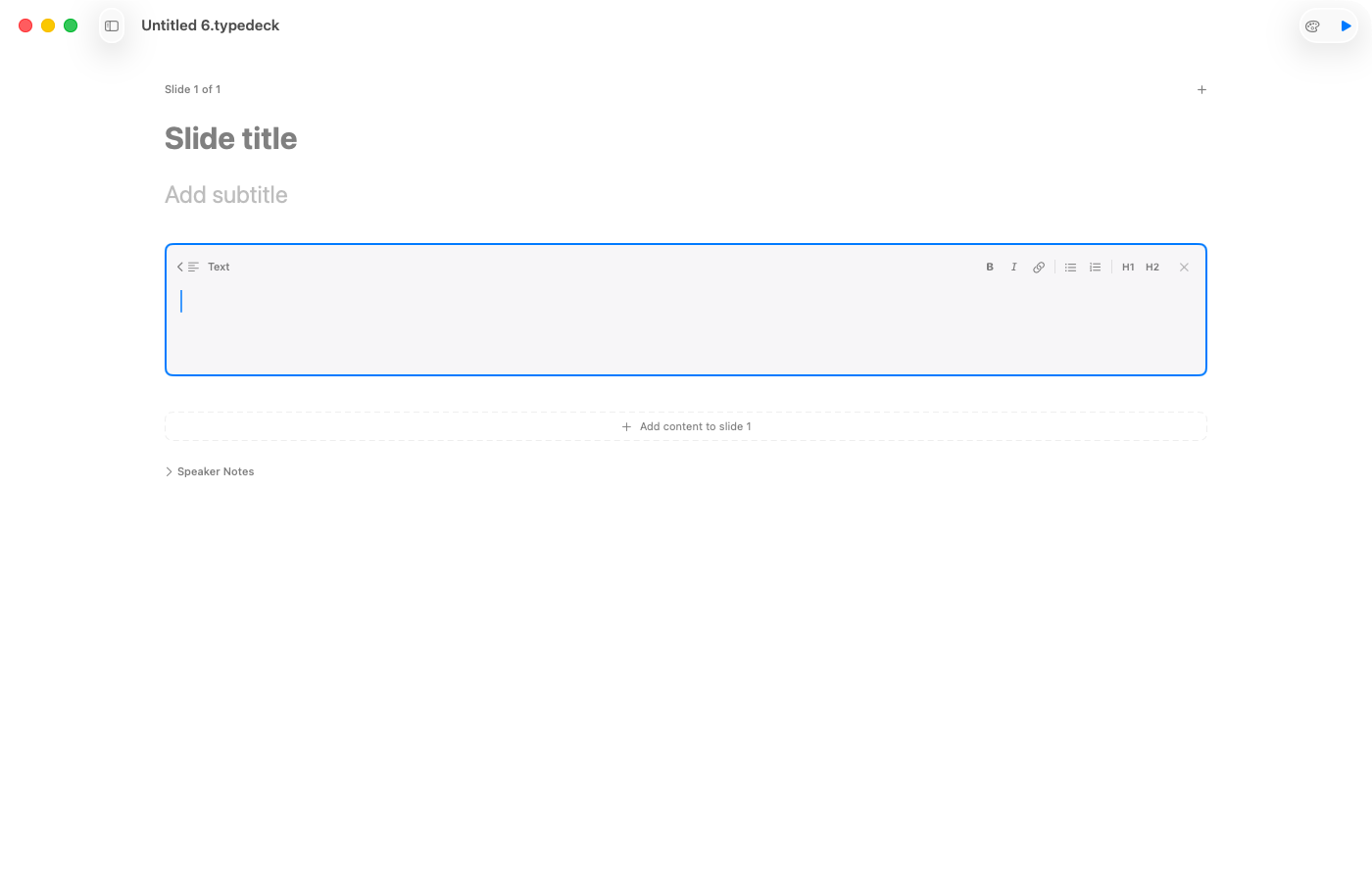
Typedeck's clean, content-first editor
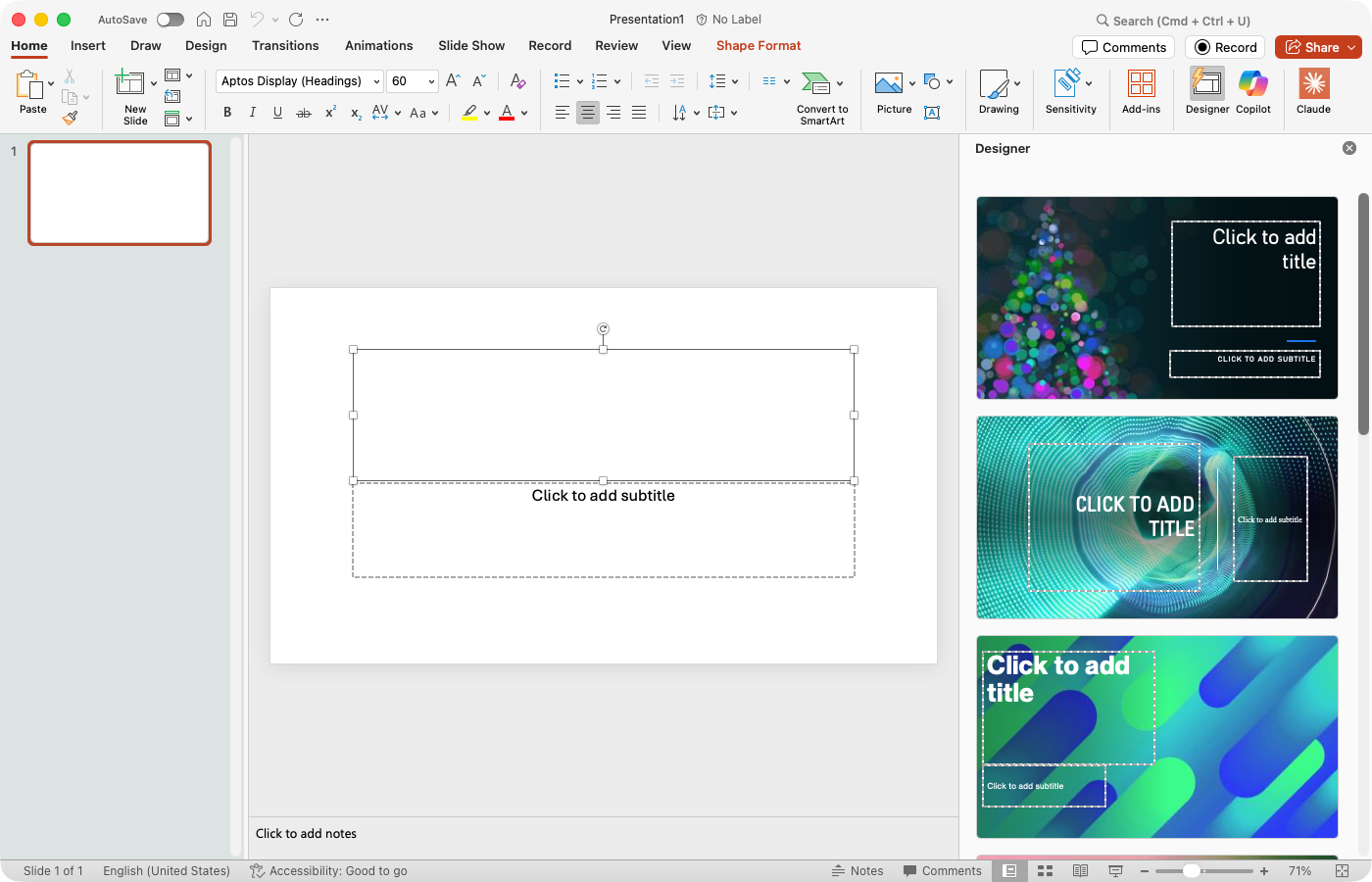
A traditional presentation tool with cluttered menus and formatting options

Typedeck lets you focus on your message.

Old tools bury you in icons and menus.

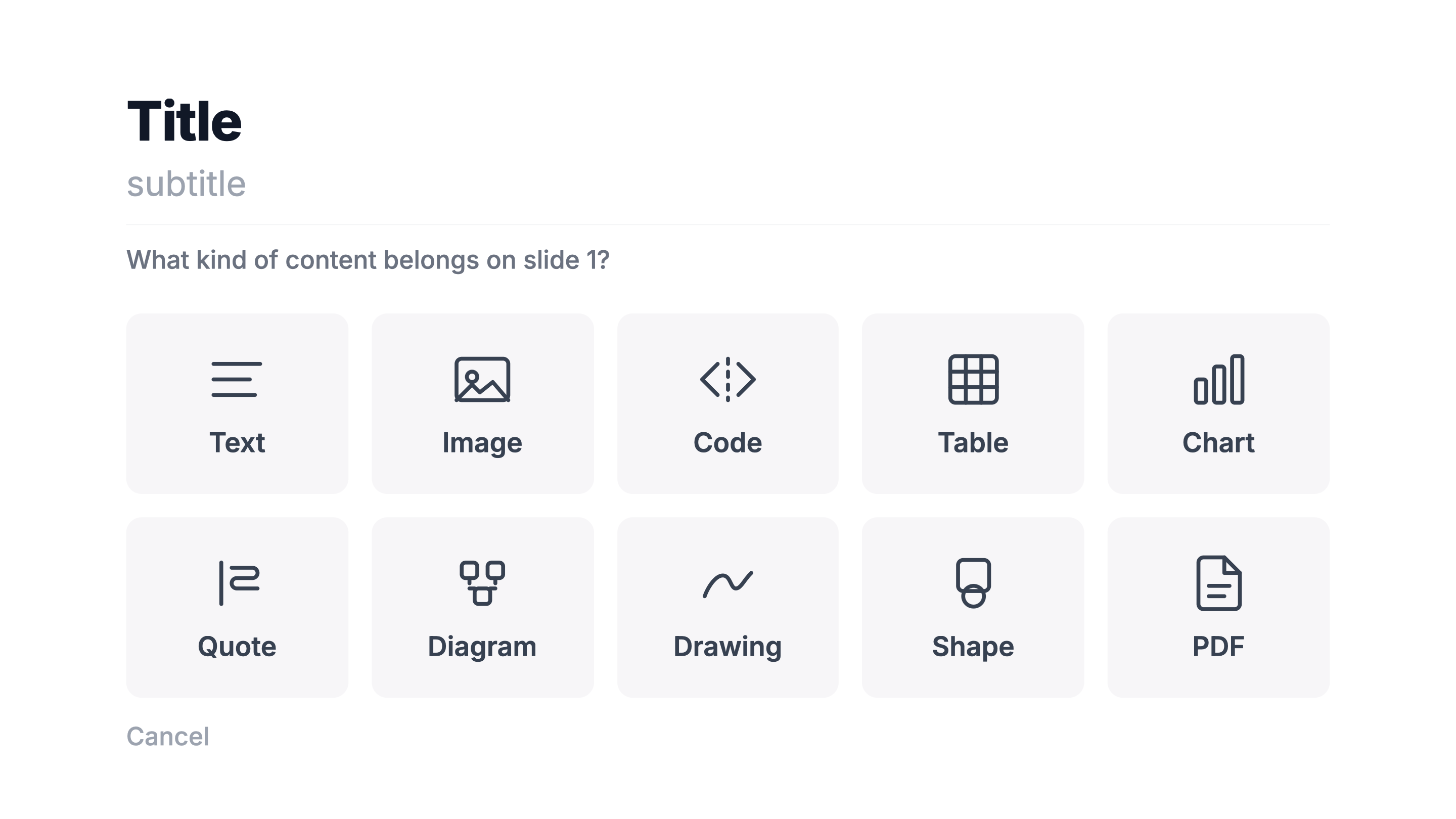
One simple menu
handles all of your content.

Typedeck content type picker showing text, image, code, table, chart, quote, diagram, drawing, shape, and PDF options

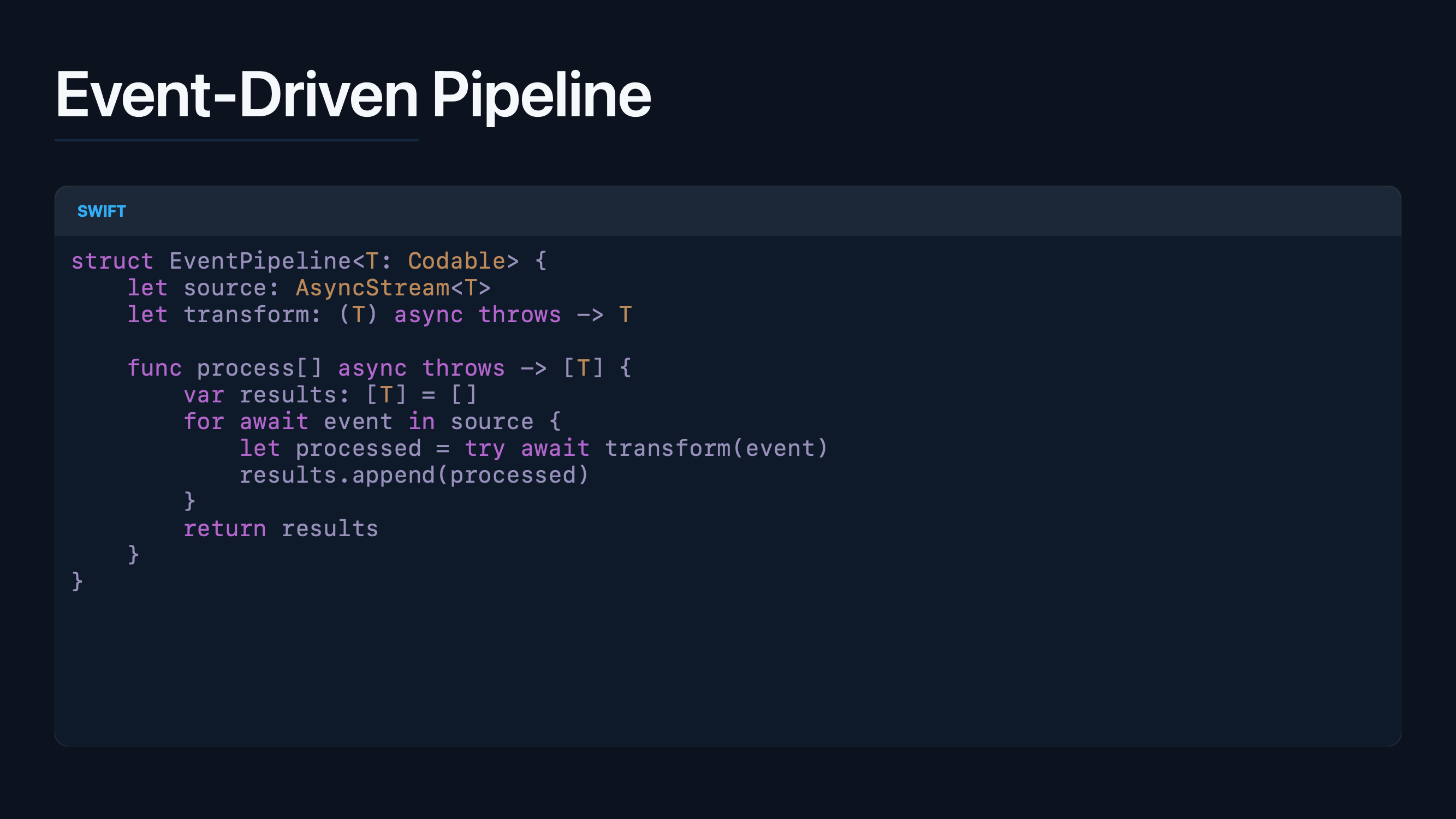
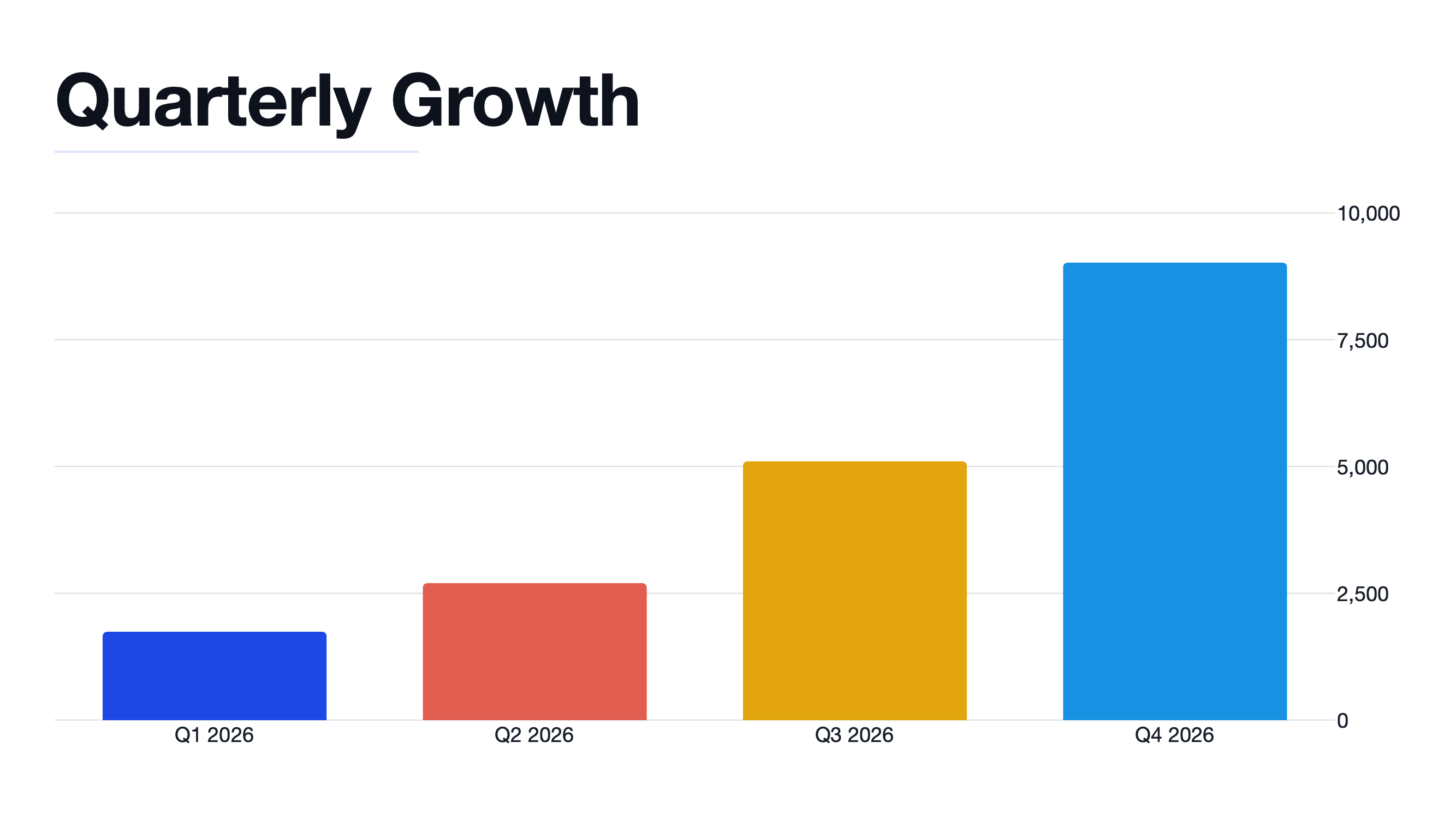
Code, charts, tables and more.
All beautiful.

A code slide with syntax highlighting A chart slide with styled data visualization A table slide with clean data layout

Your work moves freely.

Already have your content in Notion, Obsidian, or a Markdown file? Bring it straight in — Typedeck will build slides around it. When you’re done, export to PowerPoint, Google Slides, PDF, HTML, Markdown, or PNG. Your work moves freely because it was never locked in.


Import Sources

MD Markdown
N Notion
Obsidian

Export Options

PDF PDF
P PowerPoint
GS Google Slides
</> HTML
Images (PNG)
MD Markdown
Obsidian

Everything stays on your Mac until you decide where it goes next. Under the hood, a .typedeck file is just Markdown and images in a ZIP. You can open it without Typedeck. Your work is never locked in.

Try it free for 7 days. Then pay once.

$29.99

No subscription. No account. No commitment until you’re ready.

Built natively for macOS — works whether you’re online or not, today and ten years from now.

Download on the Mac App Store

Get in touch.

Have something to say? Send it our way — we read everything.

Or email us at hello@typedeck.app